How to Use an LED Driver
LED Driver Installation Instructions
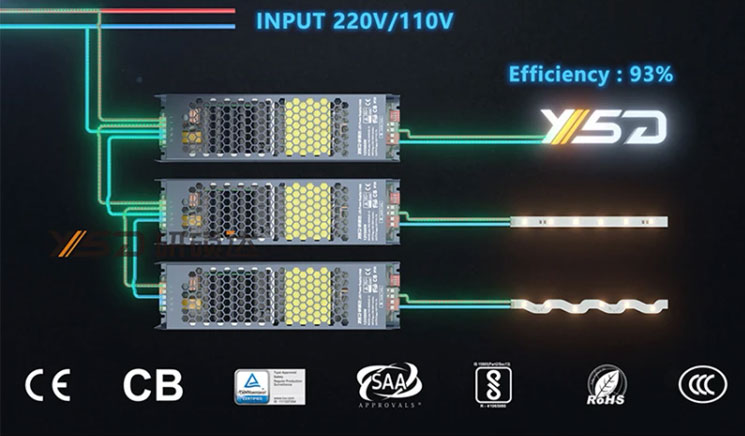
1.Make sure your LED driver is fully compatible with your power supply and the LED system you intend to attach it to. The Amperage and Voltage ratings should match
2.Ensure the driver will not be exposed to environmental stresses it is not rated for. For example, if you are installing LEDs in an outdoor environment, ensure your driver has a sufficient level of water resistance
3.Identify the positive and negative wires in your socket, then disconnect the socket from the grid
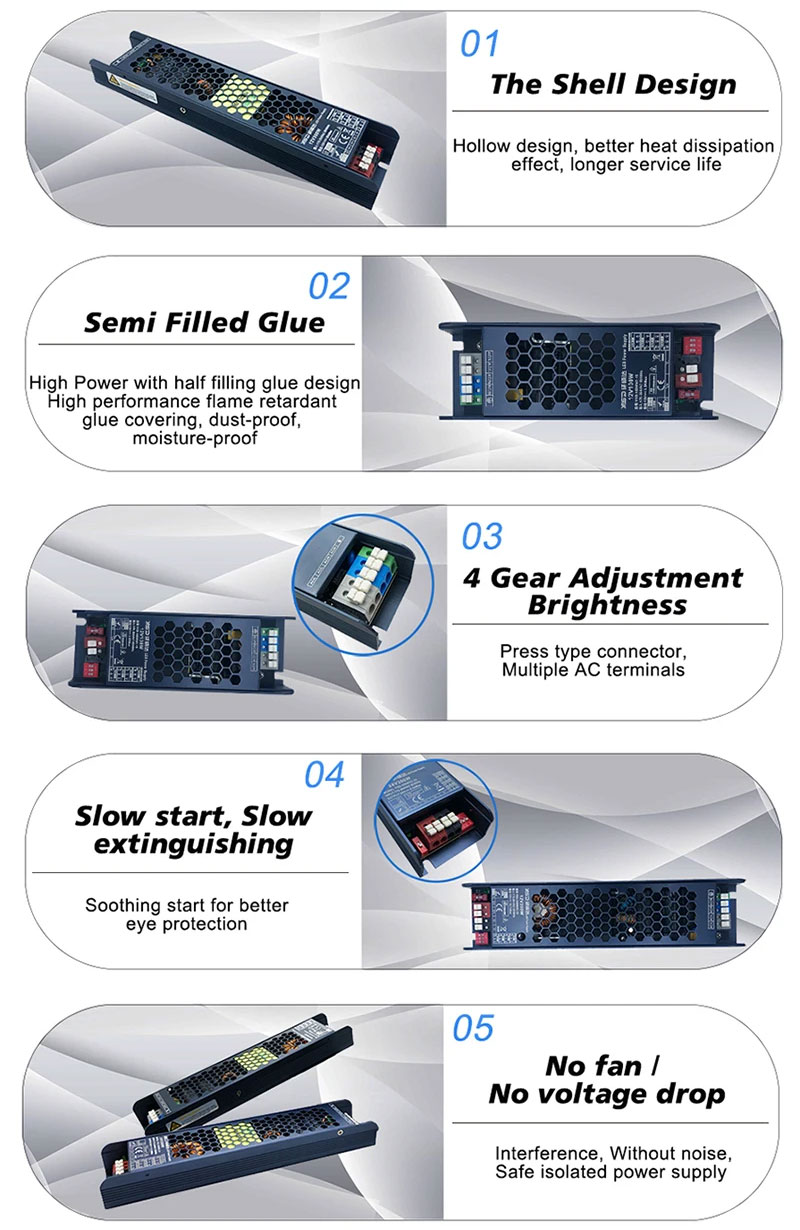
4.Install the driver - attaching this to the LED system with colour coded screws
5.Connect the positive and negative wires from the LED system to the corresponding terminals on the driver
6.Connect the green grounding wire (the GND) on the driver to a grounding terminal
7.Connect the positive and negative wires in the power socket to the corresponding terminals on the driver
8.Carefully test the installation to ensure connections are correct and firmly applied and that there is no build-up of heat. If malfunctions occur, disconnect your power supply, and identify the cause
How to Repair an LED Light Driver
1.Disconnect the power
2.Open the driver with a screwdriver and check carefully for visible faults and any burn marks
3.Use electrical testing equipment to identify the faulty components
4.Replace these components if possible and test the unit. If it is not possible to do so, the entire driver will require replacement
In the interests of safety, please ensure that the inspection and repair of the LED driver are performed by a qualified engineer.